User and organization settings
Information
This menu is only available to users with the role: Admin.
Administrator user management
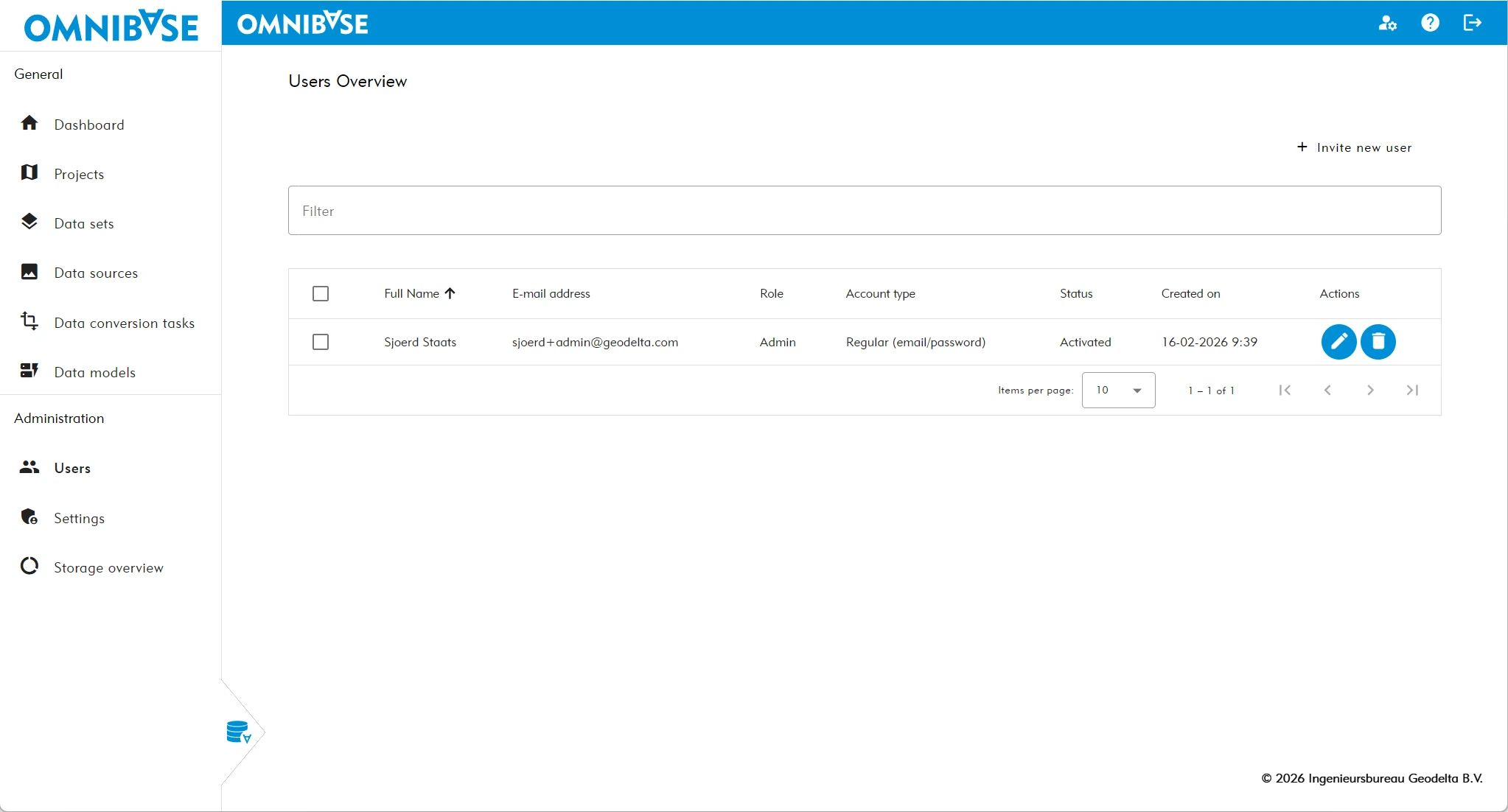
As an administrator, you can clearly view which users are part of an organization. This can be done in the "User management" overview. Within this overview, new users can also be invited.
Click the button in the top right corner: + Invite new user:
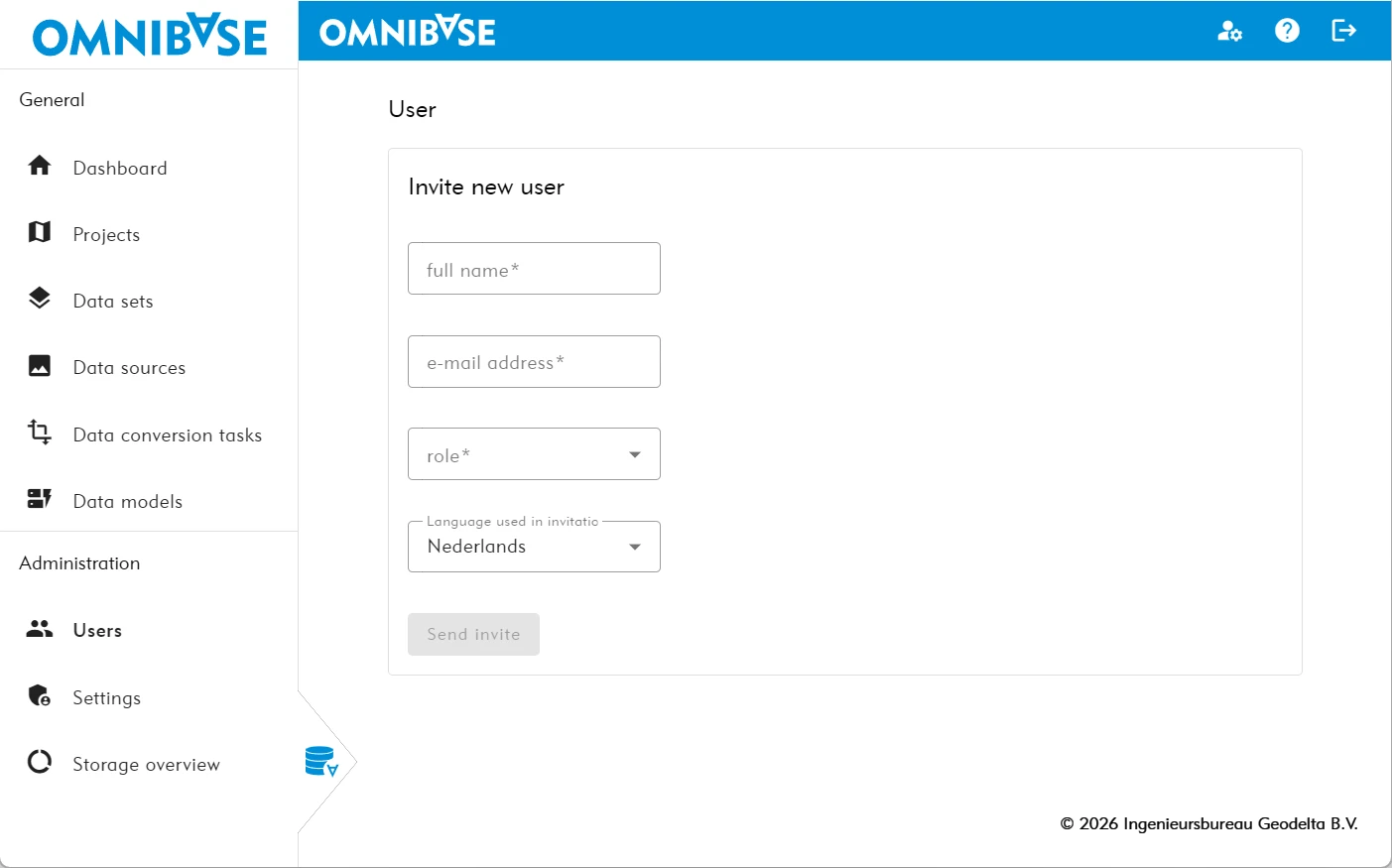
A user can then be added by completing the (required) fields:
- First and last name.
- Email address.
- Role (Admin, SuperUser, User, or Viewer).
- Invitation language (Dutch or English).
Administrator settings management
An administrator can make changes in the Settings Management. Within this overview, settings can be entered and/or modified regarding the automatic creation of accounts based on your organization’s settings. Additional agreements are made for this within the purchase of the Omnibase license.